What Color Path includes
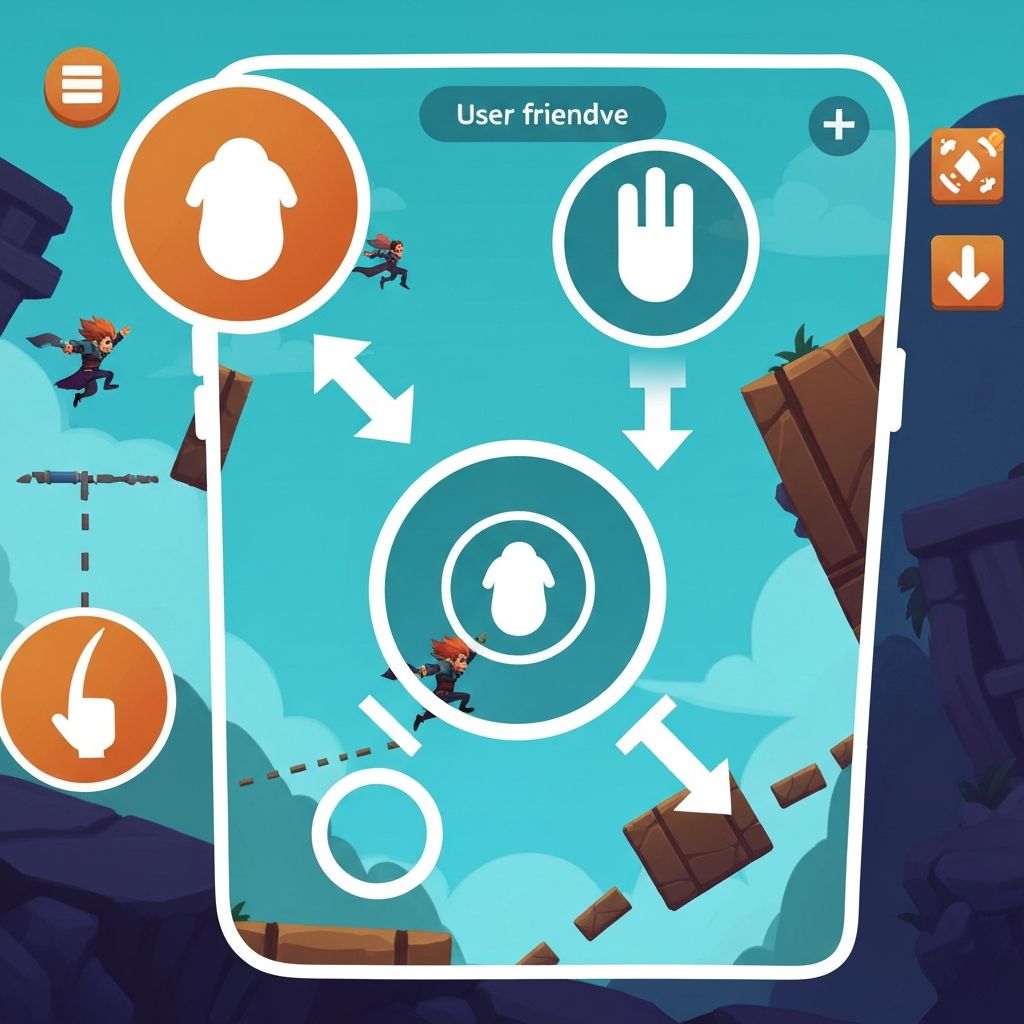
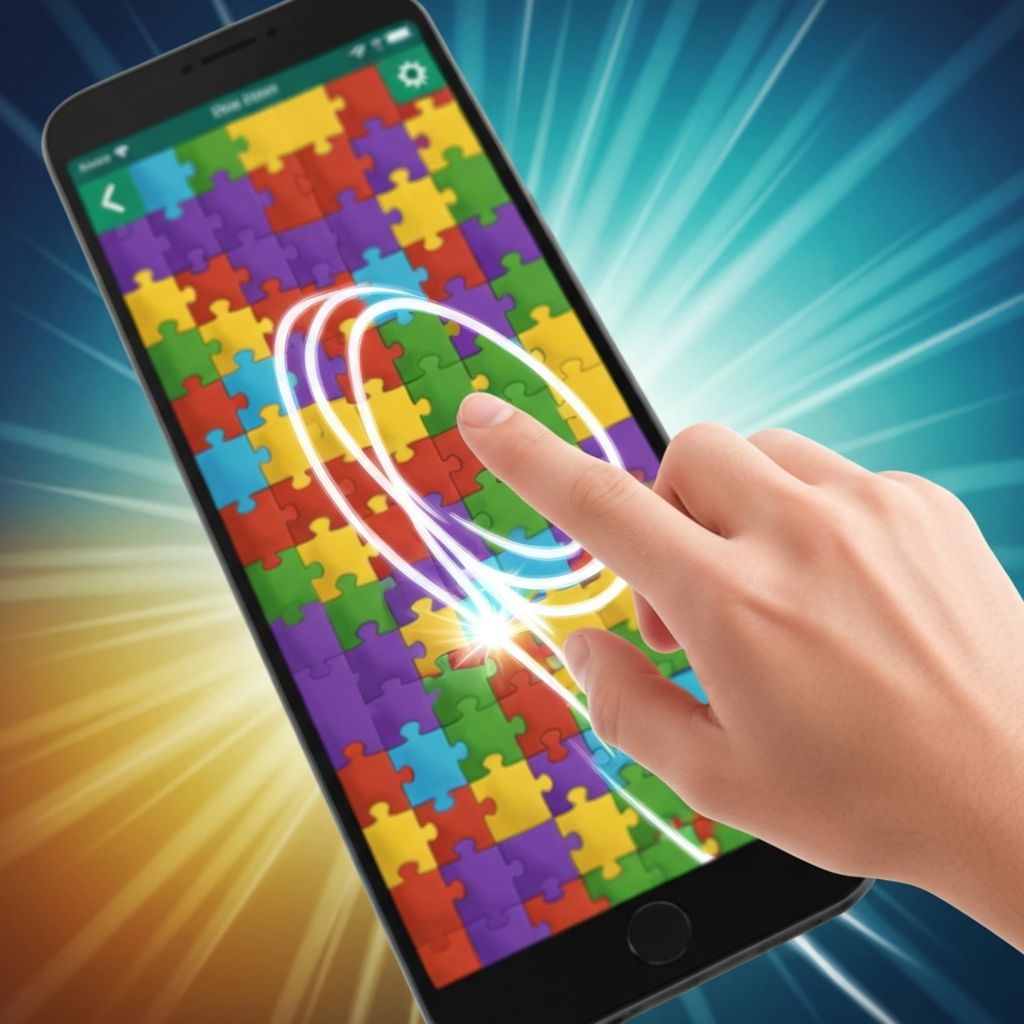
The game uses standard touch gestures that work consistently across different devices. Players tap to select and swipe to connect, using familiar smartphone interactions.
The touch response feels immediate and follows finger movement precisely, creating a direct connection between player action and screen feedback.
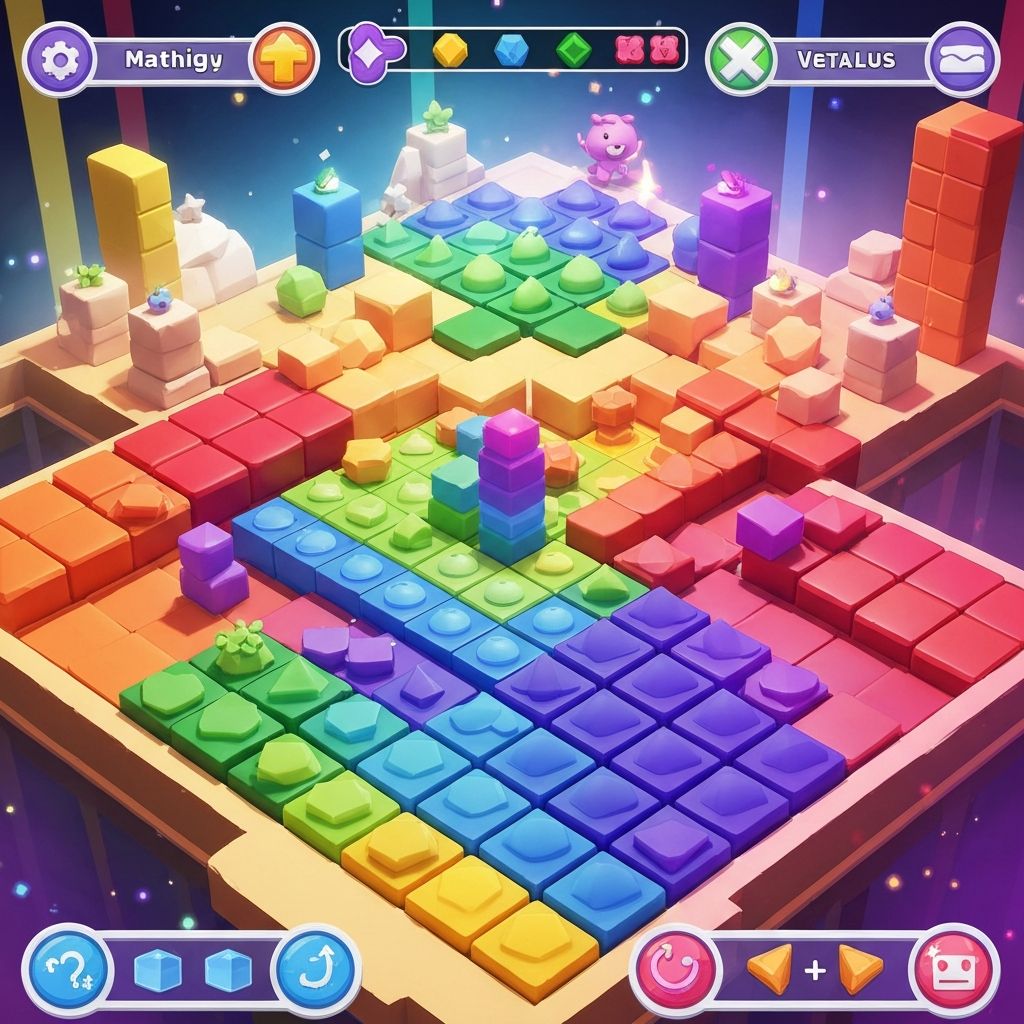
Color Path uses a color system that shifts and blends as players interact with elements. The colors transition smoothly rather than changing abruptly.
Each session may present different color palettes, providing visual variety while maintaining the consistent interaction pattern.
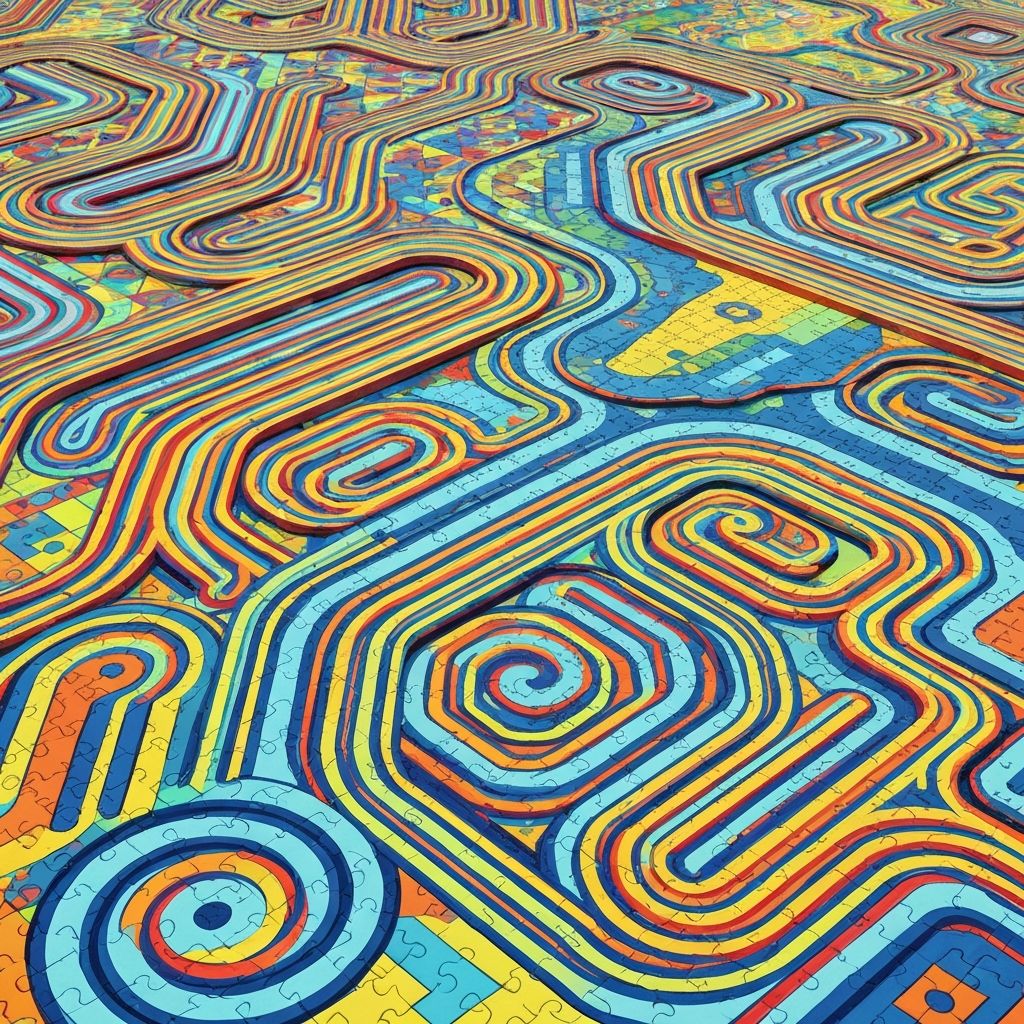
The game includes numerous pattern configurations that affect element placement and connection possibilities. Each pattern presents a different visual arrangement.
Patterns change automatically as players progress through the game, maintaining freshness without requiring explicit level selection.
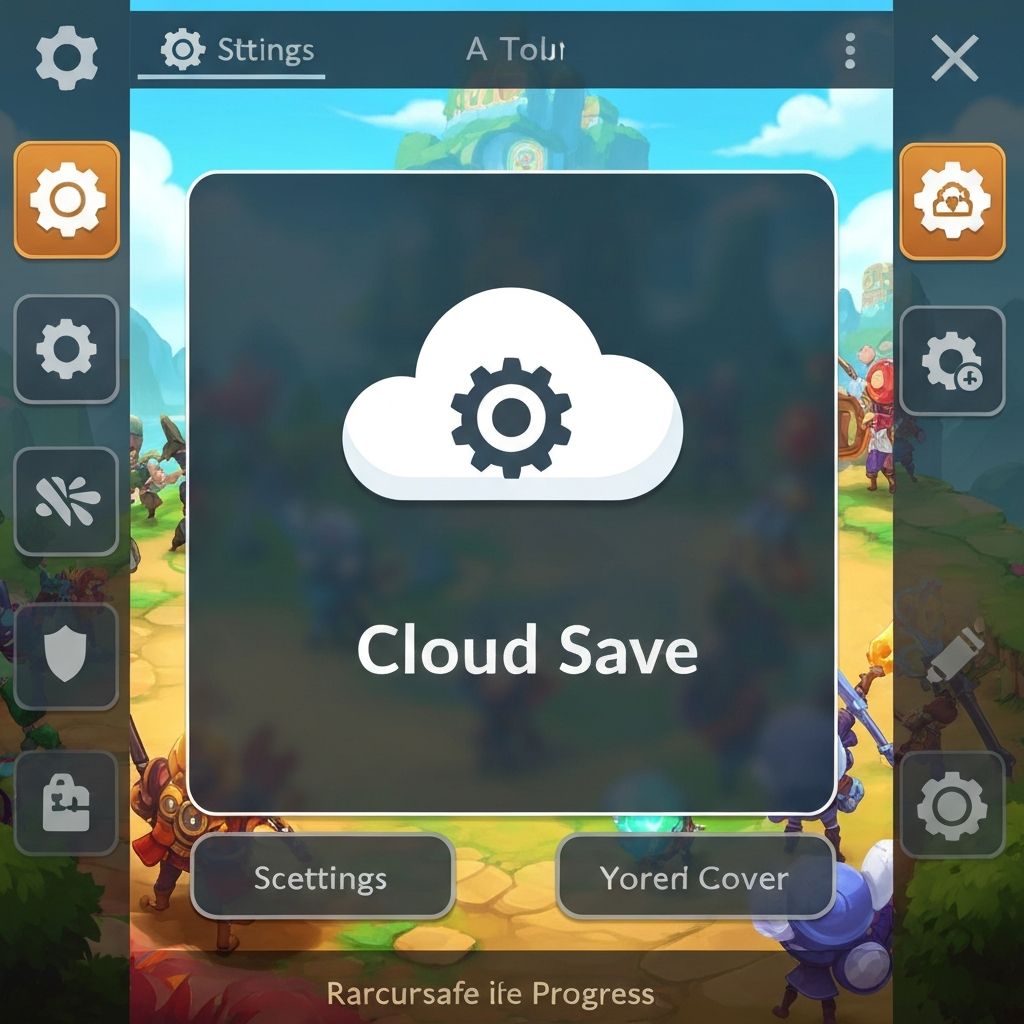
Color Path saves progress automatically without requiring manual save actions. Players can close the game at any point and resume from the same state when they return.
This feature supports the casual gaming approach by allowing players to engage in very brief sessions without losing their place.
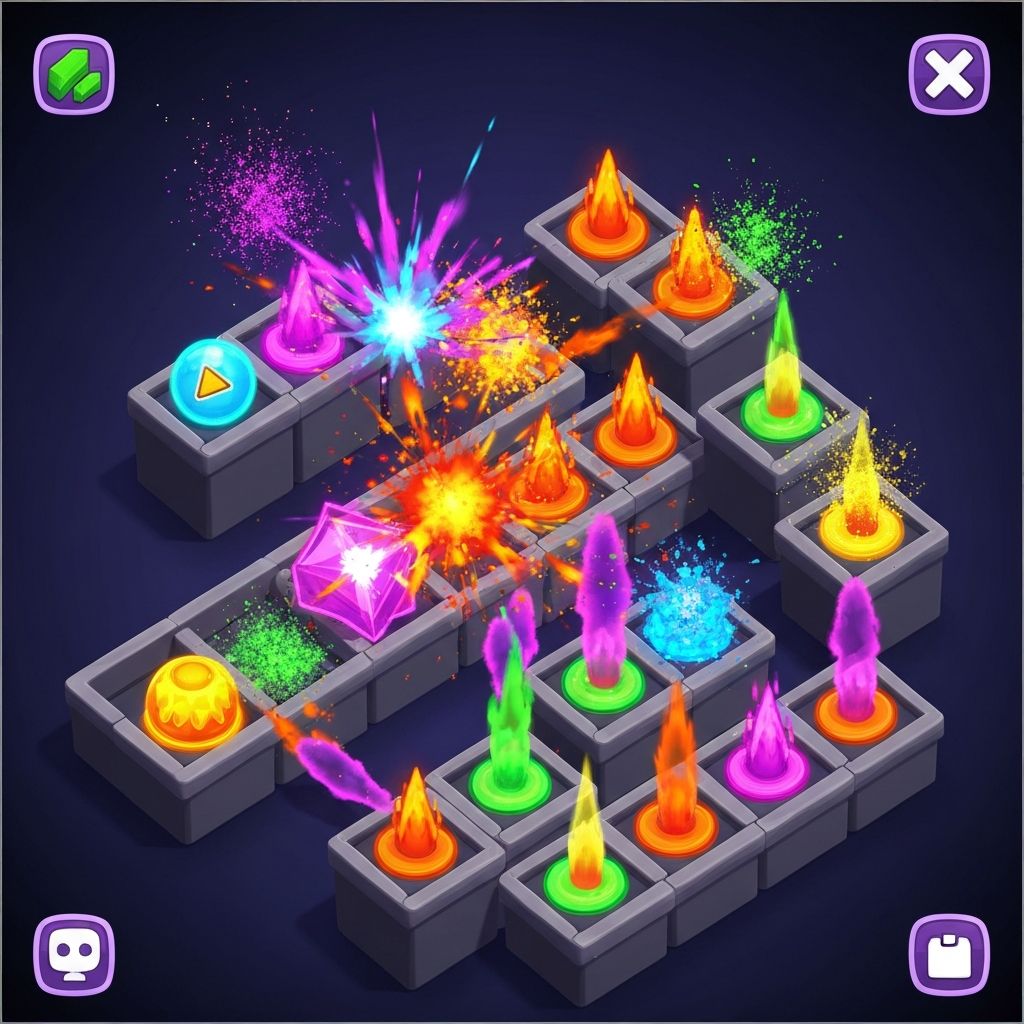
The game includes visual effects that respond to player interactions. These effects enhance the visual experience without adding complexity to the core mechanics.
Effects include color blending at connection points, subtle animations when elements are selected, and smooth transitions between different pattern states.
All visual effects serve to provide feedback about player actions rather than as decorative elements. They help players understand what happened as a result of their touch input.
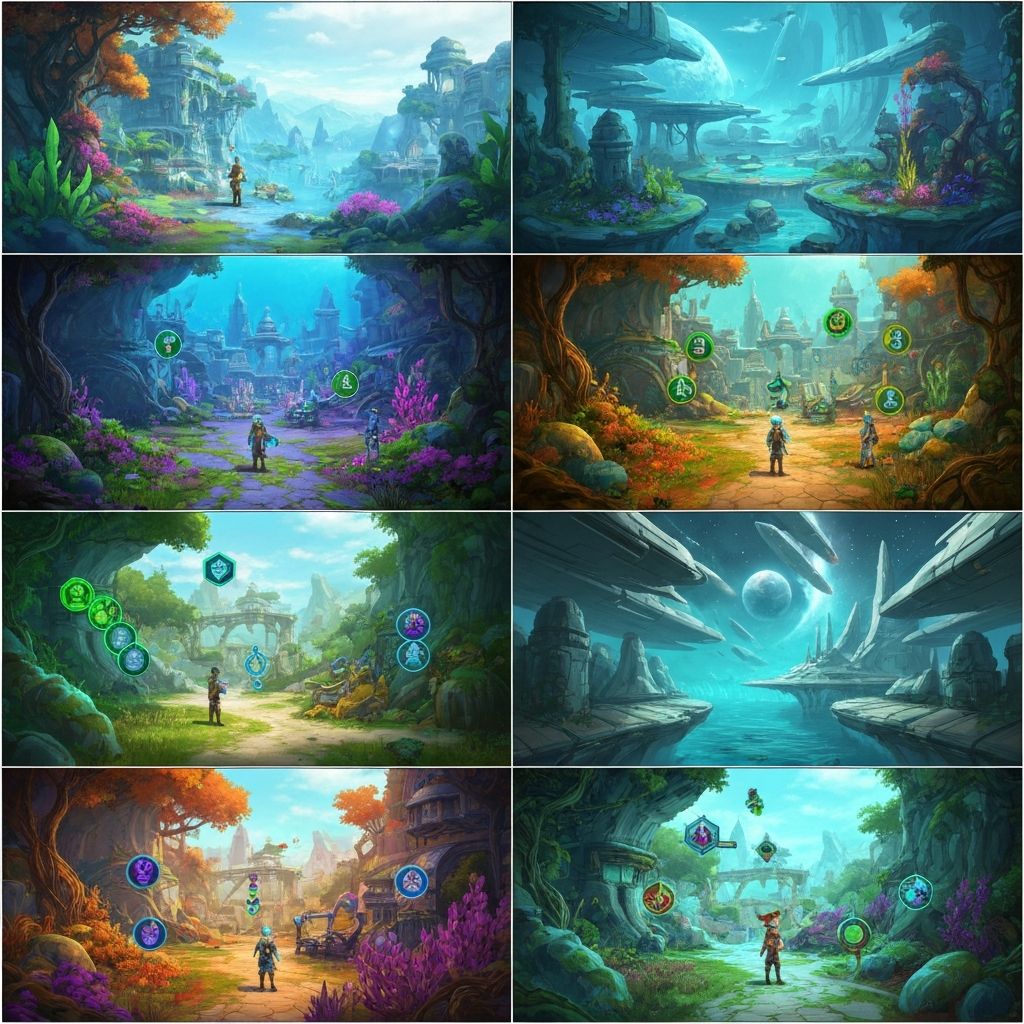
Color Path offers multiple visual scenes that differ in color palette, element arrangement, and background design. Each scene maintains the same interaction mechanics while presenting a different visual environment.
The variety helps prevent visual monotony during extended play sessions while keeping the learning curve flat. Players do not need to relearn controls or mechanics when scenes change.
Scene transitions happen automatically and smoothly, without interrupting gameplay flow or requiring loading screens.
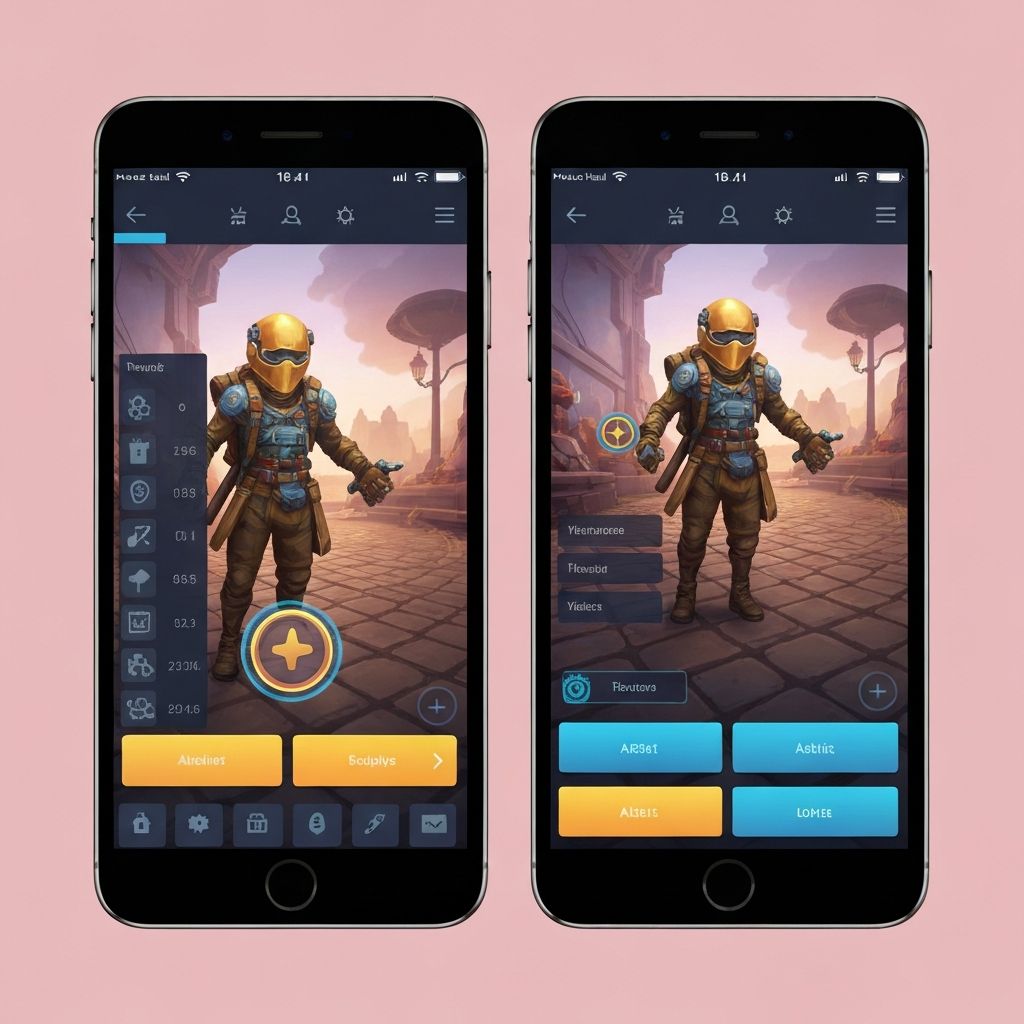
The game adapts to different screen sizes and device types commonly used for mobile gaming. This includes smartphones of various sizes and tablets.
Interface elements scale appropriately for different screen dimensions, ensuring that touch targets remain comfortable to use regardless of device size.
The visual presentation adjusts to screen proportions, making full use of available display space while maintaining the intended visual composition.
Color Path uses only two basic touch interactions: tap and swipe. These gestures are familiar to anyone who has used a smartphone, requiring no learning or practice.
The control scheme does not include multi-finger gestures, complex motion patterns, or timing-dependent inputs. This simplicity supports the game's accessibility goals.
Response to touch input happens immediately without noticeable delay, creating a direct feel to the interaction.
The game structure supports very brief play sessions lasting just one or two minutes. Players can make meaningful progress or complete satisfying interactions within these short timeframes.
This feature makes Color Path suitable for situations where only brief moments are available, such as waiting in line or during short breaks.
Longer sessions are also supported without the game forcing players to stop or creating artificial breakpoints.
The game experience does not include advertising interruptions or promotional content during gameplay.
Players are not required to complete tutorial sequences before accessing the main gameplay.
The game does not include social connectivity, friend lists, or player interaction features.
There are no experience points, player levels, or unlockable content gates that require advancement through earlier content.
The game does not track scores, maintain leaderboards, or enable comparison between players.